Tattoo preview
Forearm Tattoo Preview
The forearm is one of the most popular spots for a tattoo — visible when you want it to be, easy to cover when you don’t, and a relatively flat canvas that suits everything from a first small piece to a half sleeve. That visibility is exactly why placement and size are worth testing first: you’ll see this tattoo every day.
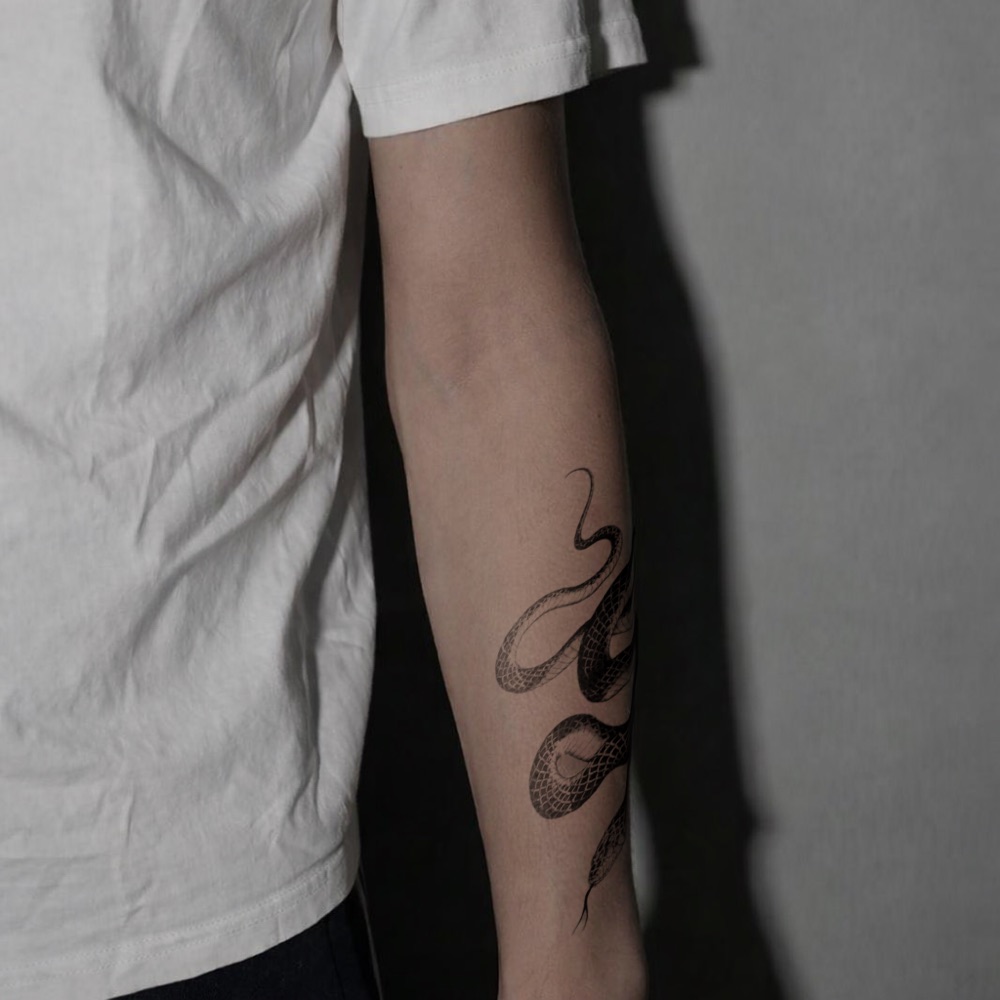
See your own design on your forearm
This preview was made with inkPEEK. Upload your tattoo design and a photo of your forearm— the design is wrapped to your skin's depth and lighting, so you can judge size, angle, and placement before anything is permanent.
Free · No sign-up · No photos saved
How to photograph your forearm for an accurate preview
- Rest your arm on a table or hold it steady in front of you — a blurry photo means a blurry preview.
- Frame roughly from elbow to wrist so the design has room, with the side you want tattooed (outer or inner) facing the camera.
- Use even, indirect light — a window works well. Strong overhead light casts shadows that can distort how the design blends.
- Fill most of the frame with your forearm; the more skin detail in the photo, the more realistic the wrap.
Before you commit: the forearm as a tattoo spot
The outer forearm is generally easy to sit through — plenty of muscle and few tender spots. The inner side is a touch more sensitive.
Full pain chart by body partStyles that work well here
Forearm preview FAQ
Will the preview show the real size of the tattoo?
The design is scaled relative to your arm in the photo, so you can judge proportions accurately — try a few sizes and compare screenshots before you settle.
Inner or outer forearm — can I preview both?
Yes. Take one photo of each side and run the preview twice. The inner forearm is slightly more sensitive to tattoo, so comparing both is worth it.
Can I preview a half sleeve?
You can place multiple designs in one preview session — upload several cutouts and arrange them together in the editor to sketch a sleeve concept.